
Download Wallabag – Free Article Saver & Reader
Overview
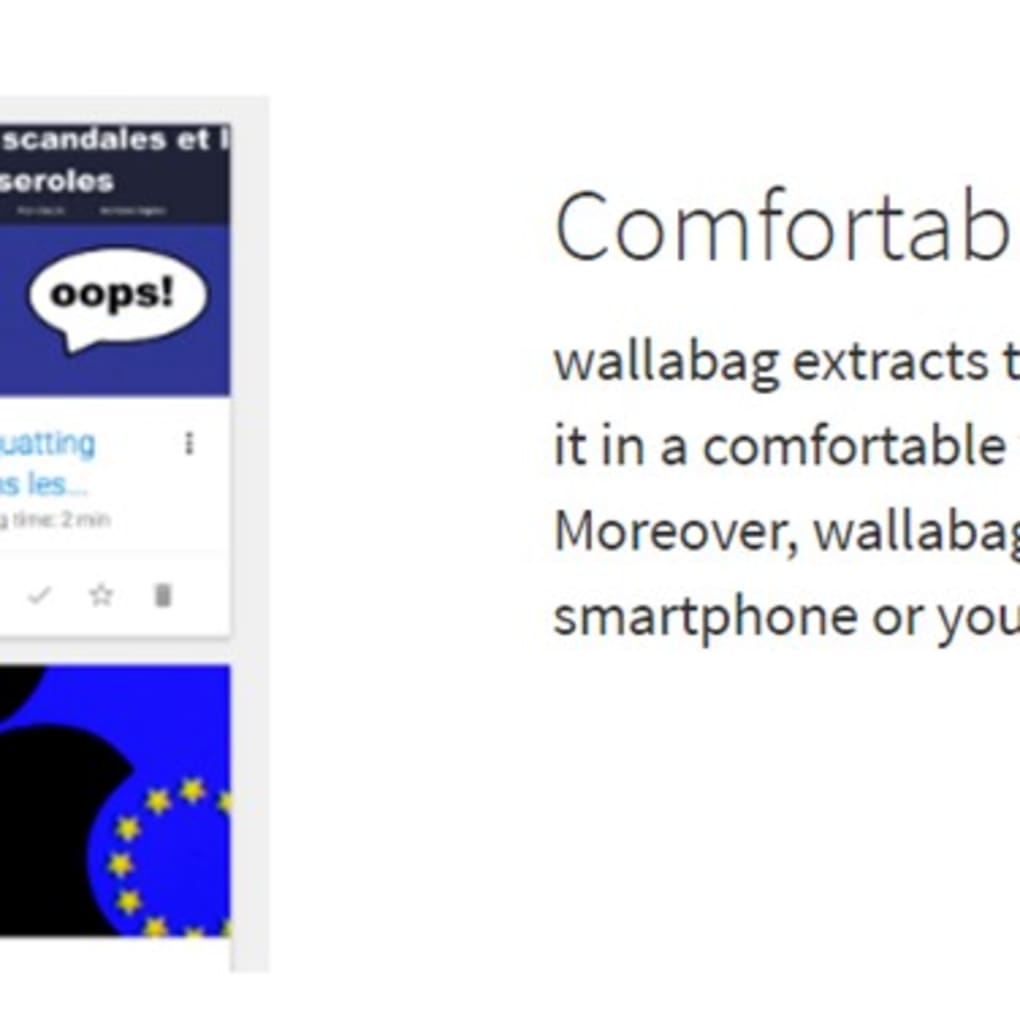
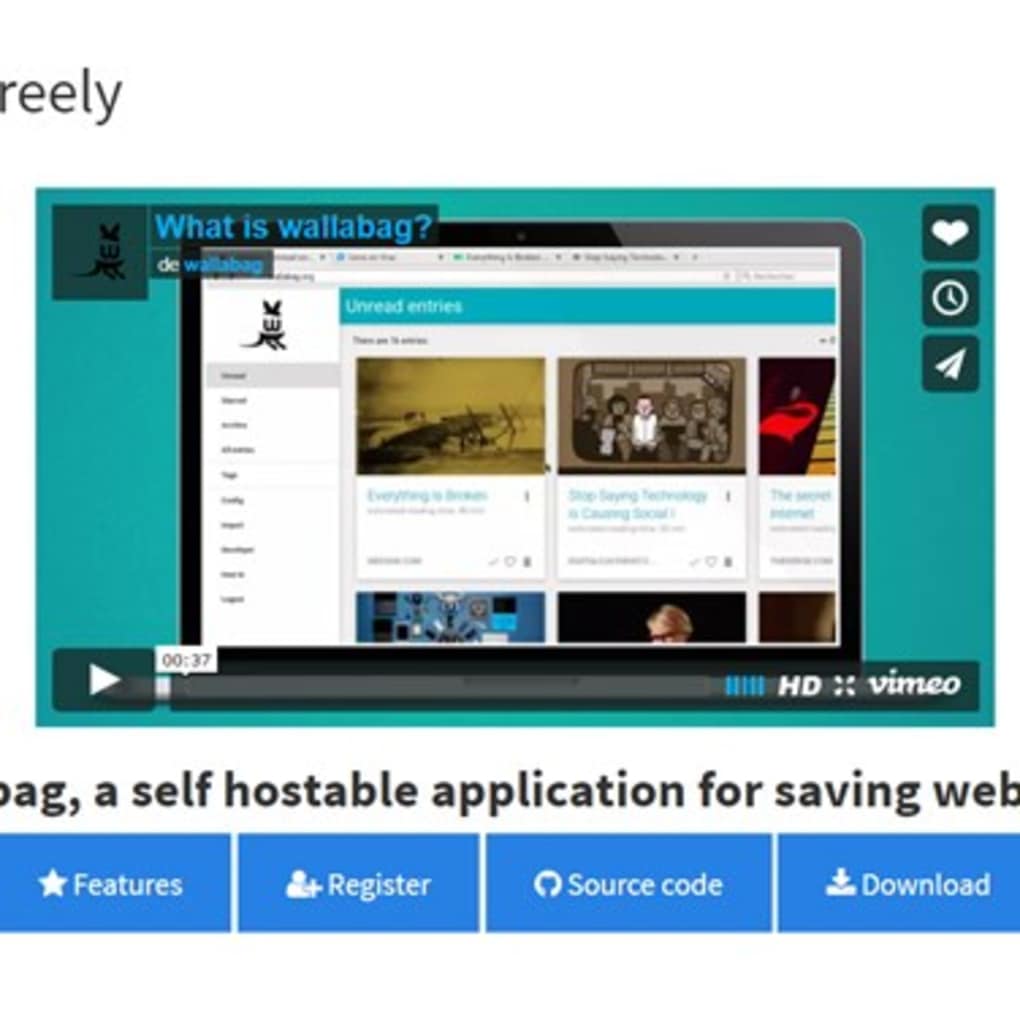
Wallabag is a free, open‑source software package designed to help users capture, store, and classify online articles for offline reading. Unlike traditional browser extensions that simply bookmark a URL, Wallabag extracts the core content of a page—removing ads, scripts, and other distracting elements—so you get a clean, readable version that can be accessed later on any device. Whether you are a frequent reader of RSS feeds, a researcher collecting reference material, or simply someone who likes to keep interesting blog posts handy, Wallabag offers a centralized repository that works across personal computers, smartphones, and tablets.
The latest stable release, Wallabag 2.2.2, adds a refreshed user interface, improved API performance, and expanded language support (English, French, German). Because it is self‑hosted, you retain full control over your data, and the software integrates seamlessly with popular aggregators like Pinboard, Instapaper, and Readability, as well as feed readers such as Miniflux, Vienna RSS, FreshRSS, Lead, and Feedreader. In short, Wallabag is a powerful, secure, and flexible tool that turns the chaotic web into an organized library you can browse anytime, even without an internet connection.
Key Features & Benefits
- Content‑only extraction: Saves just the article text and images, stripping away unnecessary scripts, videos, and ads.
- Cross‑device synchronization: Access your saved articles from Windows, macOS, Linux, Android, and iOS via a responsive web interface or dedicated mobile apps.
- Tagging and categorization: Organize items with custom tags, folders, or collections for quick retrieval.
- Integration with third‑party services: Supports Pinboard, Instapaper, Readability, and several RSS aggregators for streamlined workflows.
- Open‑source & self‑hosted: Full control over your data, no vendor lock‑in, and the ability to customize the codebase.
- Powerful API: Developers can extend functionality or build custom clients using the well‑documented REST API.
- Multi‑language support: Interface available in English, French, and German, with community contributions adding more languages.
- Secure authentication: Supports OAuth, LDAP, and native password hashing to keep your library safe.
These features combine to make Wallabag more than just a “read‑later” app; it becomes a personal knowledge hub. By focusing on the article’s essential content, Wallabag reduces bandwidth usage and speeds up loading times, especially on mobile networks. The tagging system doubles as a lightweight research tool, allowing you to filter articles by topic, source, or priority. Because Wallabag can be installed on a private server or a shared hosting environment, you can keep sensitive reading material away from third‑party clouds, ensuring privacy and compliance with data‑protection regulations. The API also opens doors for automation: you can schedule nightly imports from your favorite RSS feeds or trigger saves via IFTTT/Webhooks, making the whole process virtually hands‑free.
Installation, Usage & Compatibility
Step‑by‑Step Installation
Installing Wallabag is straightforward for users familiar with web applications. Below is a condensed guide that works on most Linux‑based servers, but Windows and macOS users can follow similar steps using Docker or a local development environment.
- Prerequisites: Ensure you have PHP 8.1+, Composer, a MySQL/MariaDB database, and a web server (Apache or Nginx). Docker users can skip this step.
- Download the source: Run
git clone https://github.com/wallabag/wallabag.gitor download the zip from the official site. - Set up the database: Create a new database and user, then import the provided
schema.sqlfile. - Configure the environment: Copy
.env.distto.envand edit the database credentials, mail settings, and secret key. - Install dependencies: Execute
composer install --no-dev --optimize-autoloader. - Run migrations:
php bin/console doctrine:migrations:migrateto finalize the schema. - Set up the web server: Point your virtual host to the
public/directory. For Nginx, use the recommended configuration in the docs. - Finalize: Open your browser, navigate to the domain, and complete the web installer (admin account, site name, etc.).
Using Wallabag on Desktop & Mobile
Once installed, the web interface works on any modern browser. To save an article, you can either use the built‑in bookmarklet (drag it to your bookmarks bar) or share the page via the Wallabag mobile app. The mobile apps for Android and iOS (available on their respective stores) sync automatically with your server, providing offline access after the initial download. Tagging is done through a simple dropdown or by typing hashtags directly in the article view. You can also export collections as JSON or PDF for backup purposes.
Compatibility Across Platforms
Wallabag is platform‑agnostic because it runs on a web server and is accessed through a browser. It officially supports:
- Windows 10/11 (via Apache/Nginx on WAMP, XAMPP, or Docker)
- macOS Monterey and later (via Homebrew, MAMP, or Docker)
- Linux distributions (Ubuntu, Debian, Fedora, etc.)
- Android 6.0+ (official Wallabag app)
- iOS 13+ (official Wallabag app)
Because the UI is responsive, the same experience is delivered on tablets and small‑screen smartphones without the need for separate native code. The Docker image (wallabag/wallabag) simplifies deployment on any OS that supports Docker, making it a convenient choice for users who prefer containerization.
Pros, Cons & Frequently Asked Questions
Pros
- Free and open‑source – no hidden fees.
- Self‑hosted, giving you full control over privacy.
- Clean, ad‑free article rendering for distraction‑free reading.
- Robust tagging, search, and export options.
- Wide compatibility with desktop and mobile platforms.
- Extensible via API and third‑party integrations.
Cons
- Initial setup can be technical for non‑developers.
- Requires a server or Docker environment to run.
- Feature set focuses on reading; advanced note‑taking is limited.
- Official mobile apps may lag behind the web version in updates.
Frequently Asked Questions
Is Wallabag really free?
Yes. Wallabag is released under the MIT license, which means you can download, use, modify, and redistribute it at no cost.
Do I need an internet connection to read saved articles?
After an article is saved, it is stored locally on your Wallabag server. You can access it offline through the mobile app or by downloading the article as PDF/HTML.
Can I import my existing Instapaper or Pocket list?
Yes. Wallabag provides import tools for Instapaper, Pocket, and generic CSV files, allowing a smooth migration of your saved articles.
Is there a limit to the number of articles I can store?
No built‑in limit. Storage capacity depends on the disk space of the server where Wallabag is hosted.
How secure is my data?
Since Wallabag is self‑hosted, you control the security measures—SSL/TLS, firewall rules, and authentication methods. The software also supports two‑factor authentication via plugins.
Wallabag shines as a privacy‑first, feature‑rich read‑later solution. Its content‑only extraction and powerful tagging make it ideal for power users and researchers alike. While the initial server setup may deter casual readers, the payoff in control and flexibility is well worth the effort.
Conclusion & Call to Action
If you are looking for a secure, customizable, and completely free way to save and organize online articles, Wallabag checks every box. Its ability to strip away clutter, combined with cross‑platform accessibility and robust API support, positions it as a premier alternative to commercial services like Pocket or Instapaper. The only real hurdle is the self‑hosting requirement, but for anyone who values data ownership and wants a tool that can grow with their workflow, the investment pays dividends in long‑term usability. Ready to take back control of your reading list? Download Wallabag today and start building your personal, ad‑free library in minutes.







